
Deco My Tree Says “Service Unavailable”? What to Check Next
Seeing “service unavailable” on Deco My Tree? Check the link and failed step, protect your draft, and learn how to start a new browser tree on MyDecoTree.
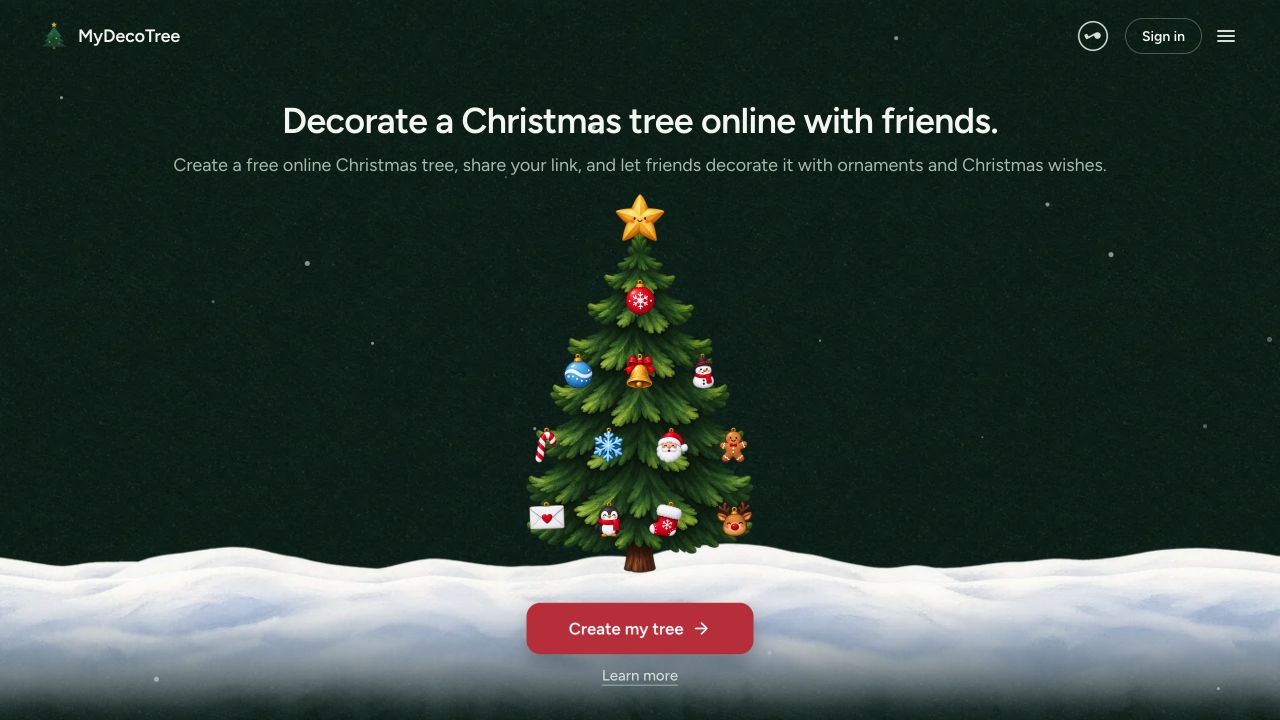
If Deco My Tree says “service unavailable”, first separate a page that will not load from a wish that is simply sealed. An error alone does not establish why another service is unavailable or when it will return.
Want to continue this year's tree tradition instead? Create a free browser tree on MyDecoTree. The steps below show a new tree on mydecotree.com; they do not repair or import a tree held by another service.
Locate the failed step before retrying
| What happened | Useful next action |
|---|---|
| A shared link will not open | Ask for the complete personal link; open it in your usual browser |
| The page opens but sign-in fails | Confirm the website and original sign-in method; use the account checklist |
| Sending ends without confirmation | Keep your text and check the tree before resending |
| A wish says it opens December 25 | Read the opening-day guide; a seal is not a connection error |
Try an ordinary website to check your connection. If appropriate, try another trusted network or reopen the link outside a social app. Repeated tapping, creating extra accounts, or deleting browser data is not a reliable diagnosis. Record the exact error and page address before contacting that service's support.
Start a new tree while keeping your old link
Keep the old link if you still want to revisit it. On MyDecoTree, choose Create my tree, sign in, choose a display name and appearance, then save. Keep the sign-in method you used. A new tree has a new link; old wishes do not transfer.
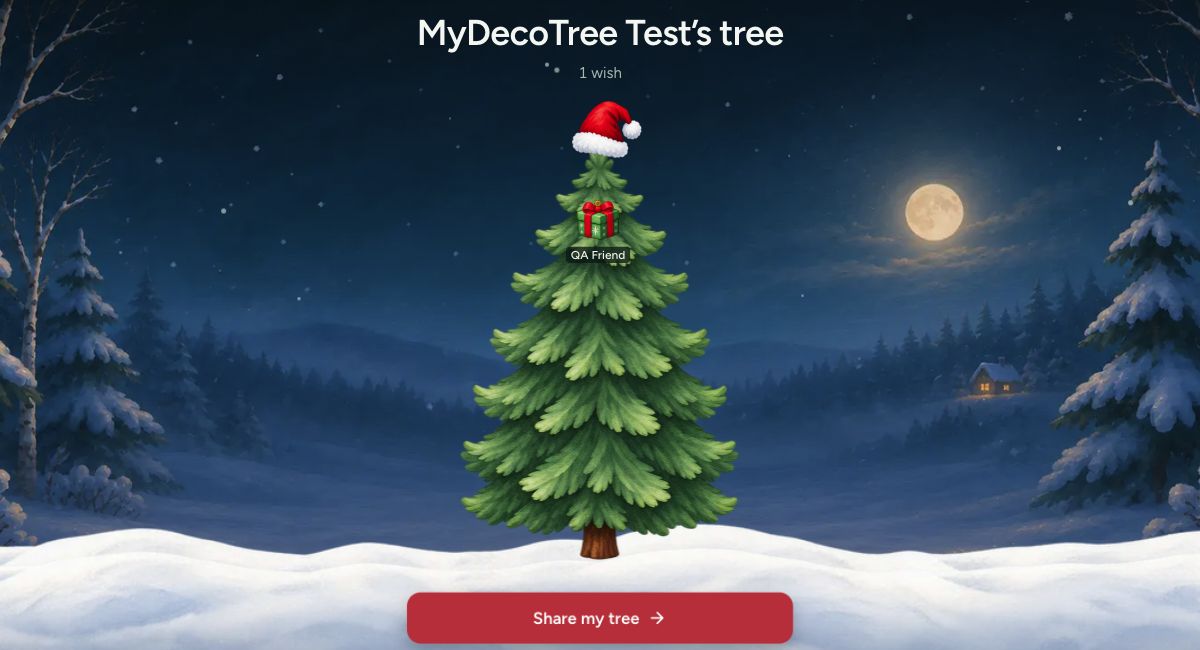
English interface, test tree. All screenshots illustrate MyDecoTree, not the unavailable app.
Replace the link in your invitation
Open Share my tree → Copy link. Test the complete personal URL in another browser before updating a chat or profile. Tell friends which link to use now; a screenshot without a usable link cannot take them to your tree.
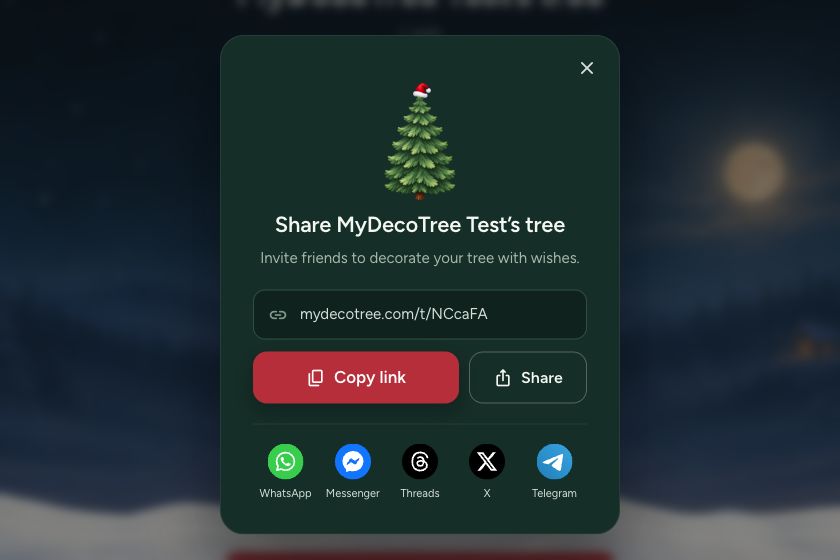
Copy your own tree link, not the demonstration address.
Try: “My earlier tree link isn't working for me, so I've made a new tree here. Leave a little Christmas wish if you'd like.” Add your personal link. More invitation examples are available.
Confirm what friends can do
Friends open the new tree, choose Leave a wish, write, choose an ornament and preview. They can send without logging in, completing security verification when requested. Wait for the success message. Name hiding and public reading are separate choices.
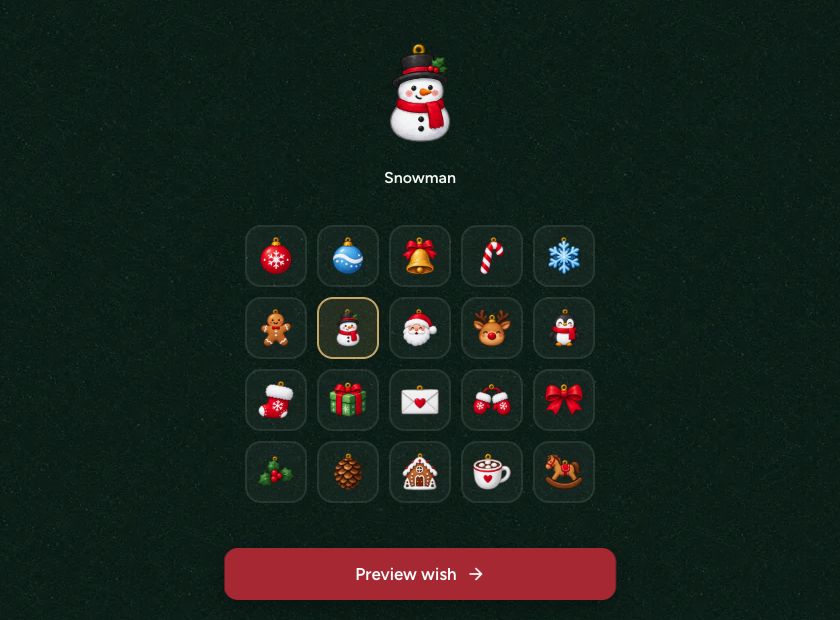
English test example. Preview before sending; this image is not a delivery receipt.
The owner reads wishes from December 25. We have not verified a precise opening hour across time zones. Guest sending instructions · Complete tree tutorial.
Create your new free tree. If the problem is instead a missing account, use the account and creation guide; to invite friends, use the Instagram sharing guide.