
How to Share Your Deco My Tree Link on an Instagram Story
Create a MyDecoTree tree, copy your personal link, add it to an Instagram Story when the Link sticker is available, and check what friends see.
A tree picture catches attention; a working personal link lets friends actually decorate it. This tutorial shows how to prepare a MyDecoTree link from mydecotree.com for your Instagram Story. You choose whether to post; the website does not publish a Story for you.
If your earlier Deco My Tree link is unavailable, create a new free tree and tell friends to use its new address. Wishes from another service do not transfer.
Prepare your tree and copy its personal link
Sign in to create and save your tree. Choose a display name friends recognize, then open Share my tree → Copy link. Use the full address with its tree identifier, not just the homepage.
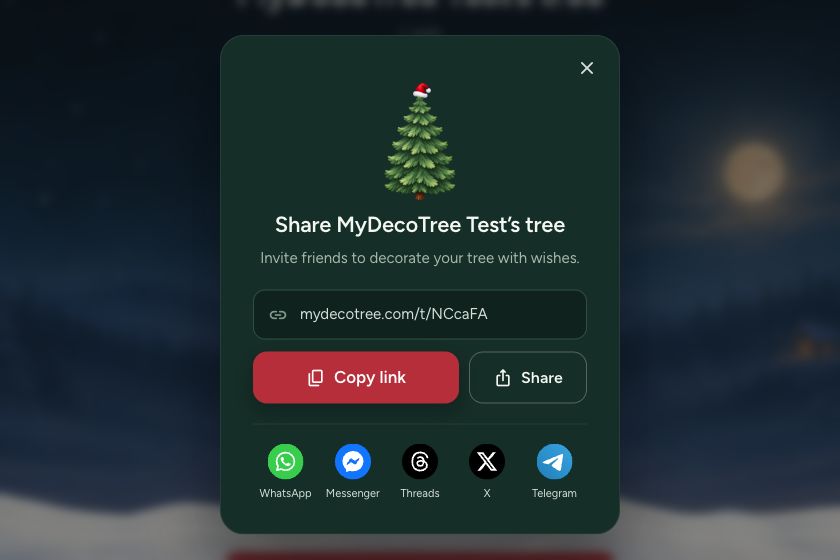
English MyDecoTree test screen. Copy your own link, not the demonstration address.
Open the copied link in another browser. Check the owner's name and appearance before preparing your Story. Keep your sign-in method for returning as owner.
Pair a tree picture with a real link
Use a screenshot of your own tree that does not show account details or private messages. In Instagram's Story editor, use the Link sticker if offered to your account, paste the complete personal tree URL, and choose a clear label such as “Leave a Christmas wish.”
Instagram's available controls can vary. If the link option is unavailable, send the full address privately to willing friends or use a profile-link field your account offers. Typing a URL onto the image itself is not the same as adding a tappable link.
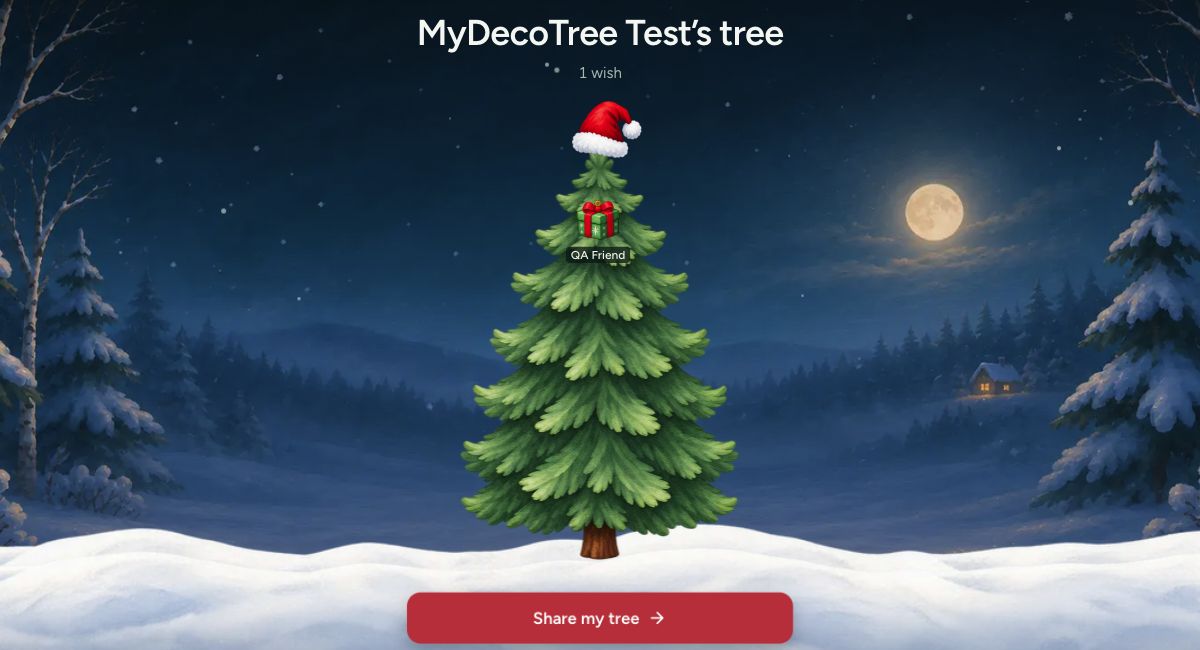
Example tree image, not an Instagram editor screenshot. Your visitors need a usable link as well as a picture.
Give friends one small thing to do
Try one invitation:
- “Leave one little memory from our year on my tree.”
- “Pick an ornament and wish me something for next year.”
- “A tiny Christmas note, if you'd like. I'll open it from December 25.”
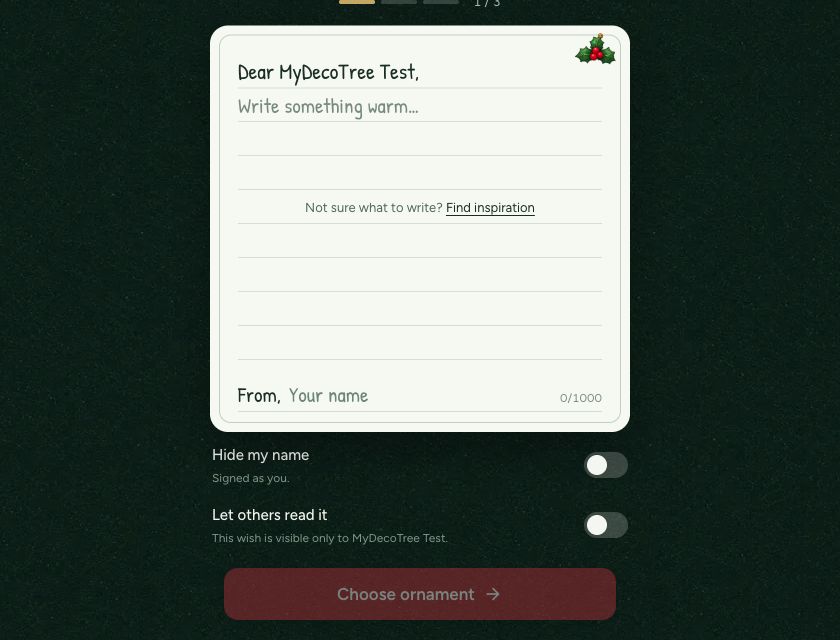
Friends can open the tree and send without logging in, with security verification when requested. They write, choose an ornament, preview and send. Wait for the success confirmation. See the guest steps and more invitation wording.
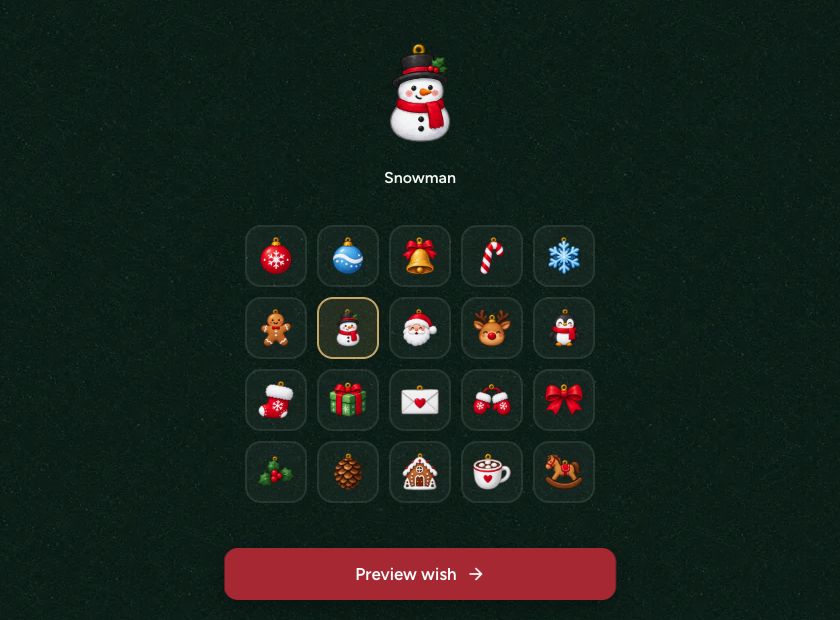
English test example. The ornament and preview are part of sending, not proof of delivery.
Check the visit and respect the message
Use any preview or link-checking option available before posting. If a friend cannot open the Story link, resend the full URL and suggest their normal browser instead of an embedded one. Check the service unavailable guide if an error persists.
Hide my name and Let others read it are separate choices. Do not post a private wish or identify an anonymous sender without permission. Owners read wishes from December 25; no precise local opening hour is promised.
Create your tree · Complete tree tutorial · A gentle message for a crush