
Send a Deco My Tree Wish Without Login or an App
Send a Deco My Tree wish in your browser: no guest login or app download. Open a friend's tree link, choose a virtual ornament and check privacy.
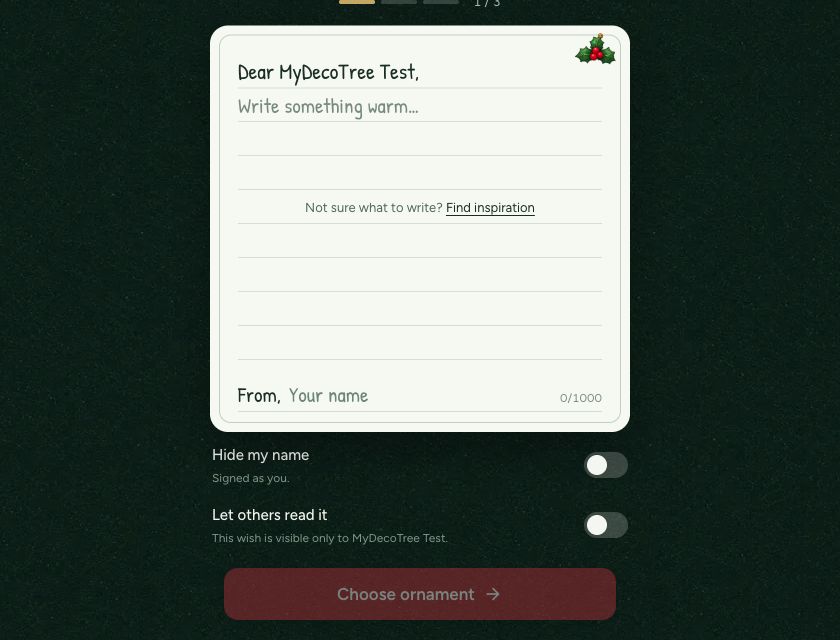
You can leave a Deco My Tree wish without logging in or downloading an app on mydecotree.com. Open your friend’s personal tree link in your browser, write a note and choose a virtual ornament. Creating and saving your own tree still requires signing in. These instructions describe MyDecoTree, not another similarly named service.
Open the right link, with no app installation
Use the full link your friend sent and check the tree owner’s display name. You do not need an app-store download or home-screen installation to use this guest flow. If a chat browser gets in the way, try that same link in your usual browser. Keep your own words privately before refreshing; a guest draft is not guaranteed to survive a closed tab. Internet access is needed to open the site and send the wish.
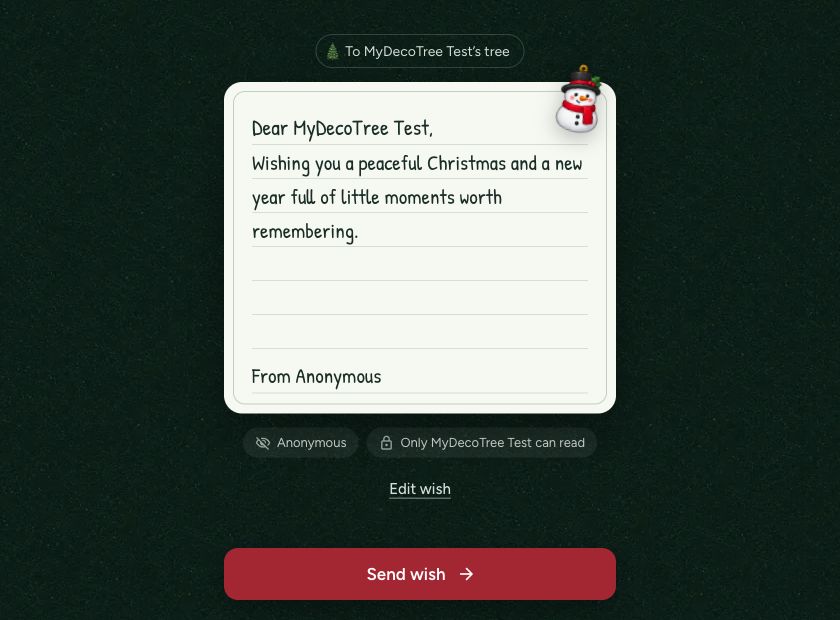
English interface and test example. Use your actual recipient’s tree link. A preview is not proof of delivery.
Send a guest wish in five steps
- Open the full personal tree link your friend shared. Check the owner's display name before writing.
- Choose Leave a wish, write a personal note, and check the signature.
- Choose an ornament. Name hiding and public reading are separate settings; review both.
- Preview the wish, then send it. Complete the site's security verification if prompted.
- Wait for the success message confirming that the wish is on the tree. A preview alone is not proof of delivery.
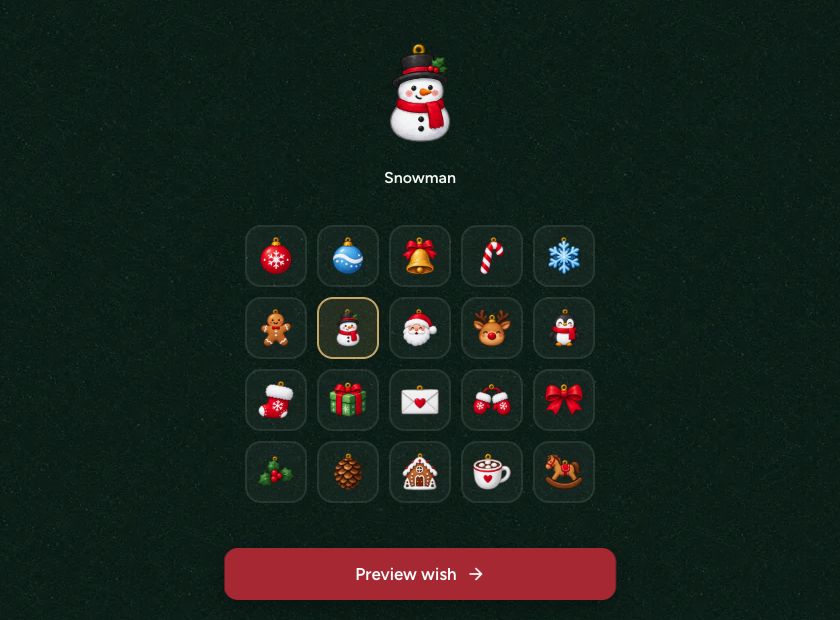
English interface, test tree. Use your friend's own link; the screenshot is an example.
Does no login mean anonymous or public?
Neither. Hide my name controls the visible signature; Let others read it controls public reading after opening day. Leave public reading off for a note intended for the tree owner. Avoid personal contact details in the message. See the name and privacy guide.
Tree owners read wishes from December 25. Guest sending does not unlock messages early.
If sending does not finish
Keep your draft until you see success. If security verification stalls, try the full link in a regular browser instead of a social app's embedded browser. If the result is unclear, reload the tree and check before sending the same note again. The owner may have stopped accepting new wishes.
Guest access is not an account-recovery method. Do not assume a guest wish will be available on another device or after clearing browser data; that behavior has not been verified.
When do I still need an account?
Sign in to create and save your own tree or return as its owner. A friend who only wants to leave a wish can use the guest flow.
Create your tree · Find words for your wish · Opening-day details