
Deco My Tree Not Working? Make a Free Christmas Tree Online
Looking for Deco My Tree online? Create a new free Christmas tree, share your link, and collect friends' wishes in your browser.
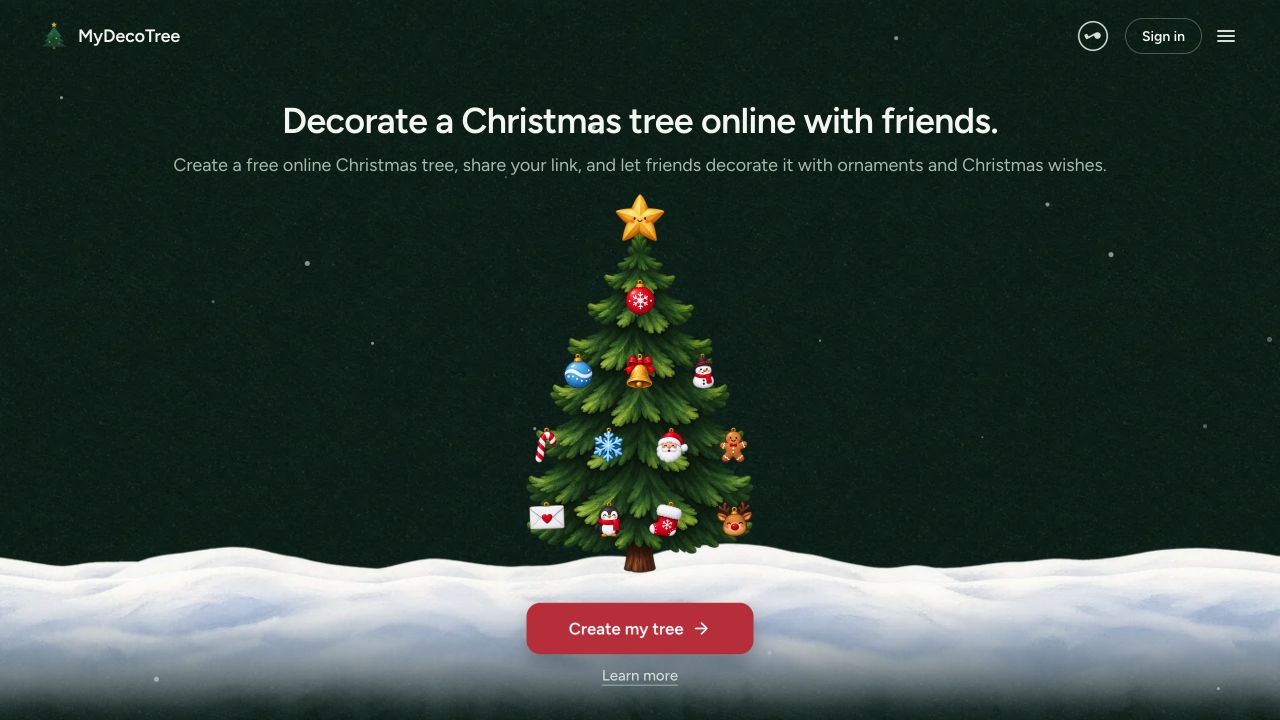
You want a Christmas tree your friends can decorate, but the app will not open, the link will not load, or you cannot find the download. You can still start a new tree in your browser on MyDecoTree.
Open https://mydecotree.com/ and choose Create my tree. You do not need to install an app. Creating a tree, sharing its link, and leaving wishes are free.
What to check before starting again
If you are trying to open an existing tree, check the full address your friend sent. Open it directly in Safari or Chrome, rather than inside a social app's built-in browser. If you previously signed in with a social account, use the same sign-in method on the service where you made that tree.
This guide helps you create a new tree on mydecotree.com. It does not recover an account, a tree, or messages stored by another app, including an older Deco My Tree: X-mas Messages account. Your new tree will have a new link to share.
Start a new Christmas tree online
- Visit https://mydecotree.com/ and sign in using an available method. If you use a phone account, keep the password safely: password reset is not currently available.
- Choose Create my tree. Add the name you want friends to see, then choose a tree, a topper, and a background.
- Save your tree. In the sharing panel, choose Copy link.
- Paste the complete link into a group chat, a message, or your social profile. Ask friends to open it and leave a wish.
Screenshots show the English interface and a test tree. The sample text is illustrative; use your own tree link.
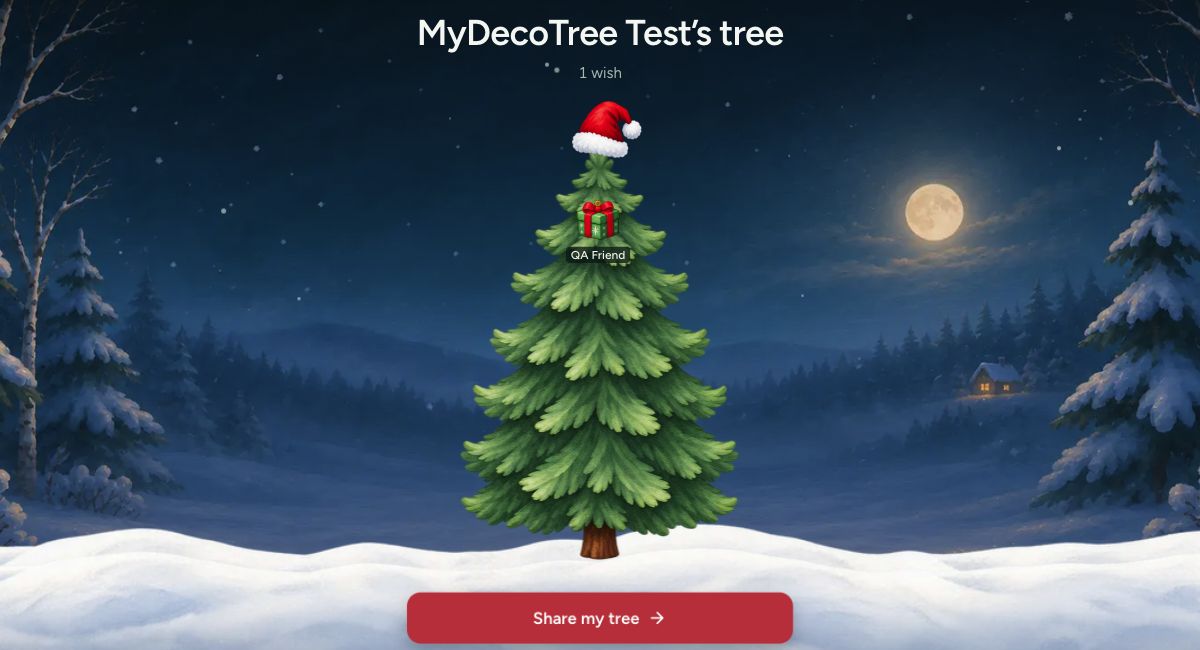
Test Christmas tree with one sample ornament
What friends do with your link
Open your friend's tree link, choose an ornament as a little virtual gift, and leave a wish—no login or app download needed. Keep Let others read it off for a private wish. Hide my name lets you appear as Anonymous, including to the tree owner.
When can you read the messages?
On MyDecoTree, the tree owner opens wishes on December 25. Before then, you can see the tree filling up, while the messages remain sealed. A sender can read their own message immediately. Other visitors can read only messages the writer chose to make public, after opening day.
If sharing is not responding
Use Copy link, then paste the link directly into your chosen app. Include the whole https://mydecotree.com/t/ address. For a story or profile, use the platform's link feature where available. You can keep this guide open while you make your tree.
Ready to collect this year's wishes? Create your free tree at https://mydecotree.com/create .
Related: https://mydecotree.com/christmas-countdown
Support: support@mydecotree.com
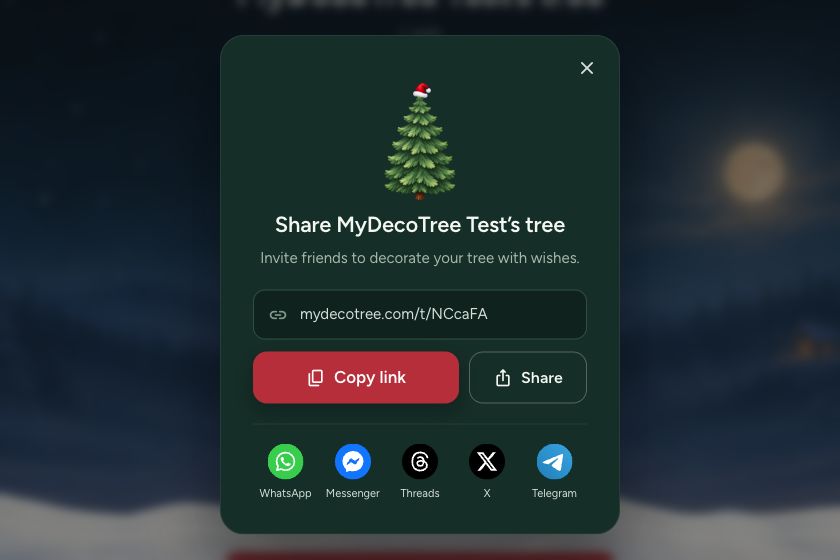
Sharing panel with a test tree link and the Copy link button