
Deco My Tree Message Not Sending? Check Before You Retry
Separate a preview, a delivery error and a sealed wish. Save your words, check the recipient and retry carefully without creating duplicate messages.
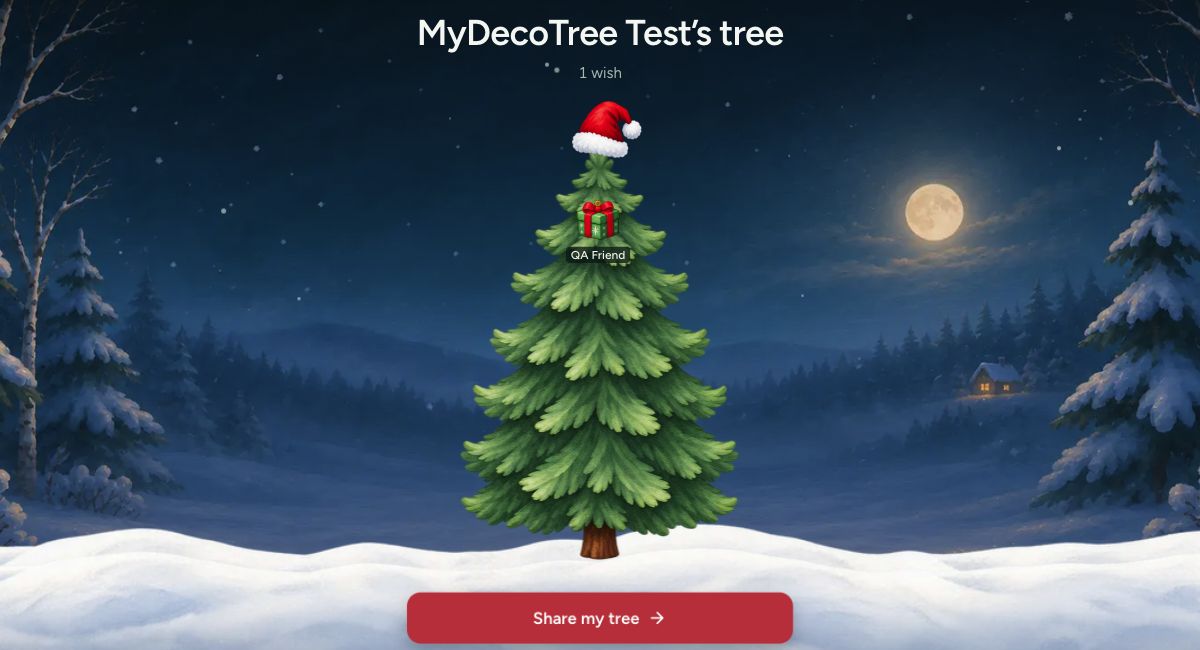
A Deco My Tree message not sending needs a different check from a tree page that will not open. This checklist covers MyDecoTree at mydecotree.com. Other services with similar names can behave differently; this page cannot diagnose their servers.
Identify the last completed step
| What you see | What it means for your next step |
|---|---|
| The tree page never loads | Check the full recipient link and your connection; use the page-error guide. |
| Your words appear in a preview | A preview is not proof of delivery. Review it, then follow the sending step. |
| Security verification is requested | Complete the site's normal check. If it cannot finish, keep your draft and stop repeated submissions. |
| A success confirmation appeared | Do not immediately resend because the owner cannot read it yet. |
| A wish says “Opens Dec 25” | It is sealed for the owner, rather than proof that sending failed. |
Keep the draft and confirm the recipient
Before refreshing, privately copy your own message somewhere safe. A guest draft is not guaranteed to survive a refresh or a closed tab. Keep the exact page address and error wording too.
Check that the full personal tree link opens the intended recipient on mydecotree.com. If a chat's built-in browser is behaving unexpectedly, try that same link in your usual browser. This is a diagnostic step, not a guaranteed fix. Check your connection without changing or deleting account data.
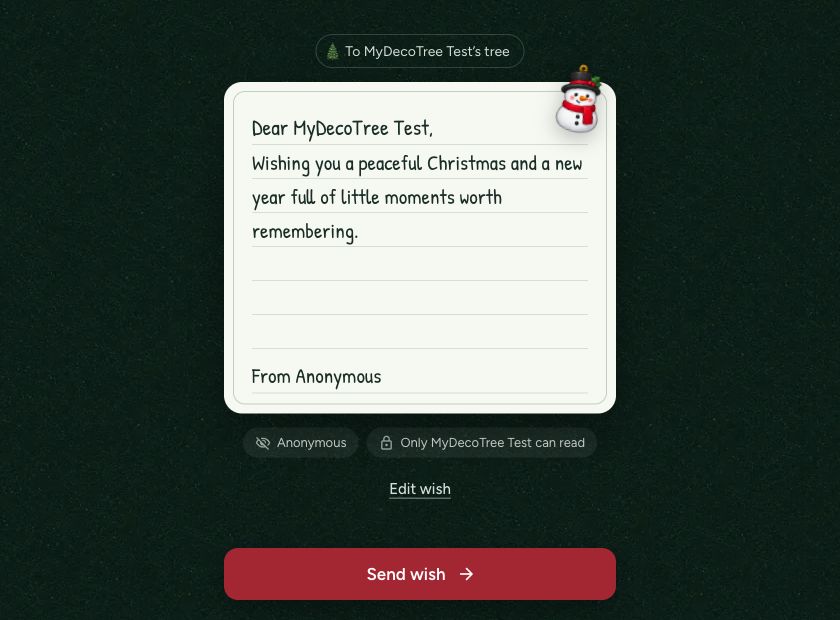
English interface, test example. This is a preview, not a delivery receipt. Use your own recipient's tree link.
Decide whether a retry is appropriate
Visitors can write a wish and choose a virtual ornament without signing in or installing an app. Creating another account is not a required fix. Complete verification if prompted and wait for the result before tapping Send again.
If you received a clear failure, restore your saved words, recheck the recipient and try once after the connection is stable. If the result was ambiguous, inspect the tree for evidence and ask the owner only if necessary; do not treat an extra ornament alone as a reliable receipt for your exact note. Avoid repeated retries while the outcome is unknown.
Separate sending from opening day
The owner reads wishes from December 25; the exact hour across time zones is not confirmed. An owner seeing a sealed wish does not need you to send it again. Name hiding and public reading also do not move the opening date.
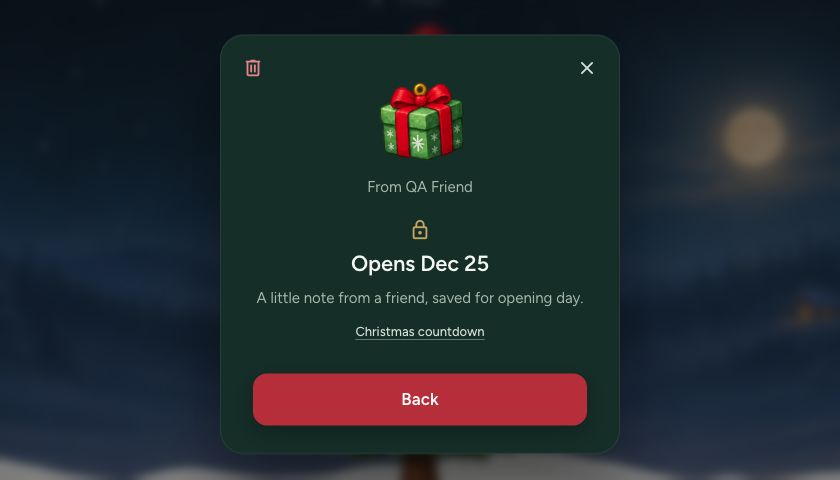
English interface, test example. The opening label is not a connection error. Use your own tree link.
If it still fails
Contact support through this site's help route with the page address, approximate time, failed step, error text and browser name. Leave out passwords, verification codes and private wish text. We cannot promise recovery of an unsent guest draft or messages from another app.
Guest sending steps · Message privacy · Opening-day details · Create your own tree