
Forgot Your Deco My Tree Password? Recover Access to Your Tree
Choose the right recovery route for a phone login, social account or tree started without a completed sign-in. Keep your tree link and use verified support.
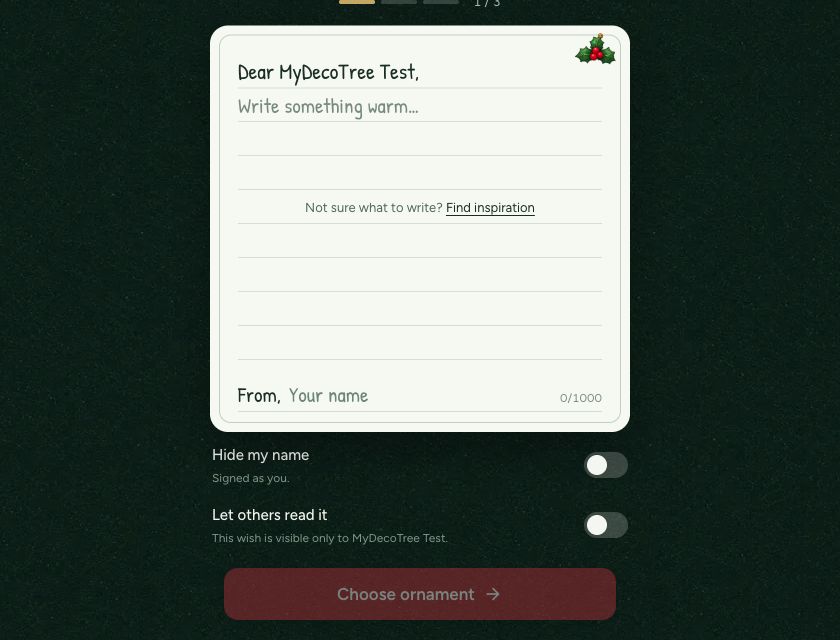
If you forgot your Deco My Tree password, first identify how you originally accessed your tree. A phone password, a social-account login and a tree started without completing sign-in need different next steps. These instructions apply to MyDecoTree at mydecotree.com, not accounts held by another service.
Which login did you use?
| Original access | What to do |
|---|---|
| Phone number and password | Use the same full number, including its country code. If the password is lost, request verified recovery through site support. |
| A social-account button | Return with the same provider and the same account. Recover that provider account through its own official process if needed. A different login may open a different tree account. |
| Started without completing sign-in | Return to the original browser and device before clearing data. Use any account-linking or recovery option actually shown, or contact support. A tree's public link alone does not prove ownership. |
Do not delete your account or create a replacement tree as the first recovery step. If you still have owner access, keep that browser available while you ask for help.
Request phone-password help safely
Open Contact or Feedback on mydecotree.com, or write to support@mydecotree.com. Explain the original sign-in method, your own tree's full link if known, and the exact error. For a phone account, provide the registered number with country code privately to support. Do not put passwords, one-time codes or private wishes in a public comment.
The supported phone-reset process verifies ownership before issuing a private reset link. Follow the registered-phone verification instructions support provides; this article does not publish a universal SMS destination or promise recovery from a nickname alone.
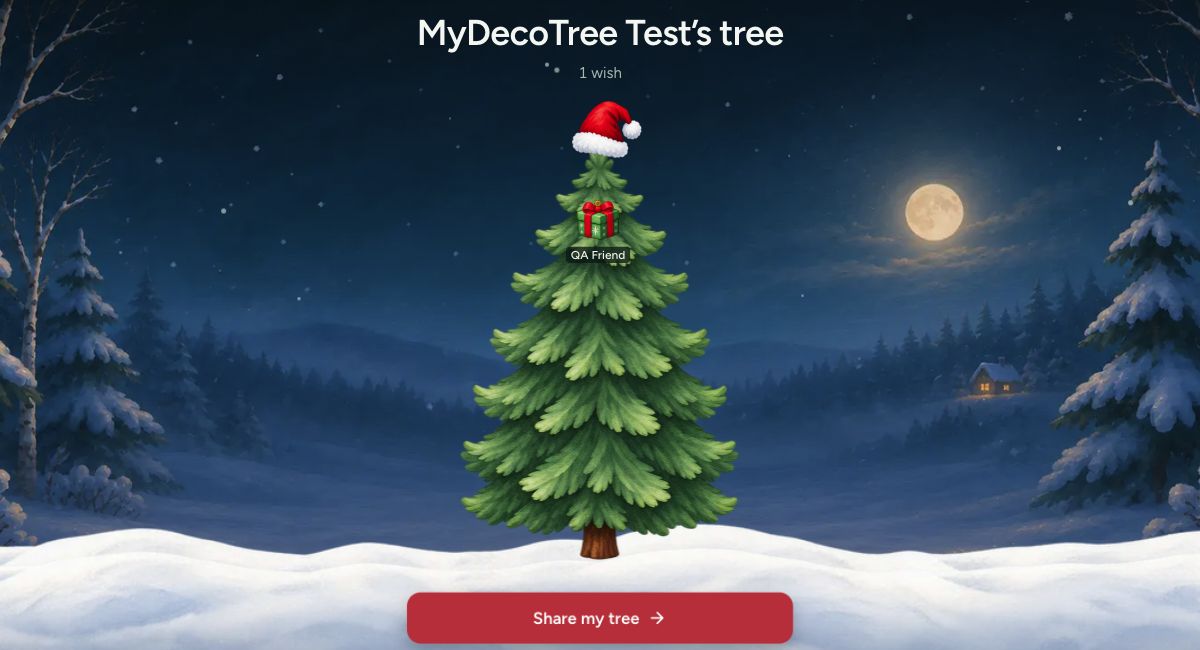
English interface and test example, not an account-recovery screen. Your tree name or public picture is not proof of ownership.
How long does a reset link last?
Phone reset links issued by this site's recovery flow are valid for 24 hours. Use the complete link sent to you, including the part after #; do not post or forward it publicly. If it has expired or was truncated, ask support for a fresh link. A new password does not change the message-opening date, merge accounts or import another service's tree.
No reset link is included in this public guide. Support cannot reveal your original password; you set a new one through the verified process.
Keep the correct tree link
If you can still open your own saved tree, use Share my tree → Copy link to record its full address for support. A screenshot can show the tree, but it does not replace the URL. If you cannot access the sharing panel, send an existing link you saved rather than using the demonstration link below.
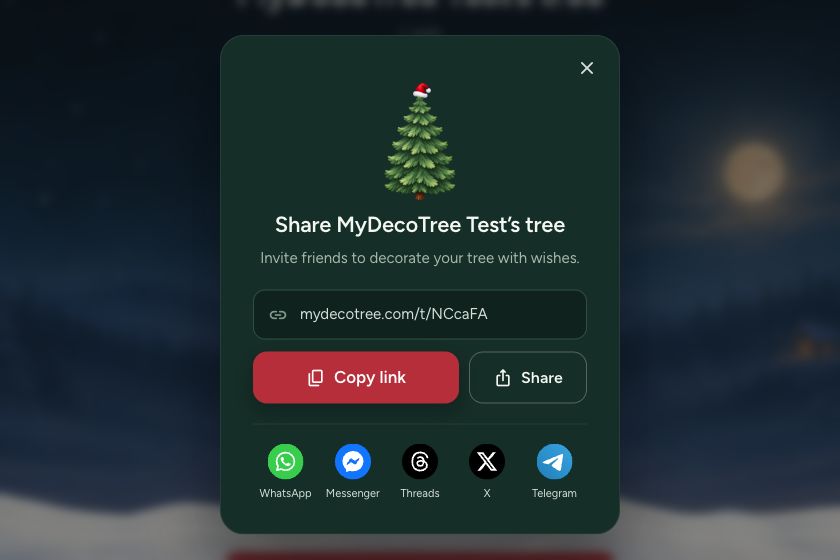
English interface and test example. Use your own tree link. This panel copies an address; it does not reset a password.