
How to Use AI for a Christmas Message That Sounds Like You
A practical AI-assisted writing workflow: supply true details, choose a tone, remove invented memories and send your finished words as a private tree wish.
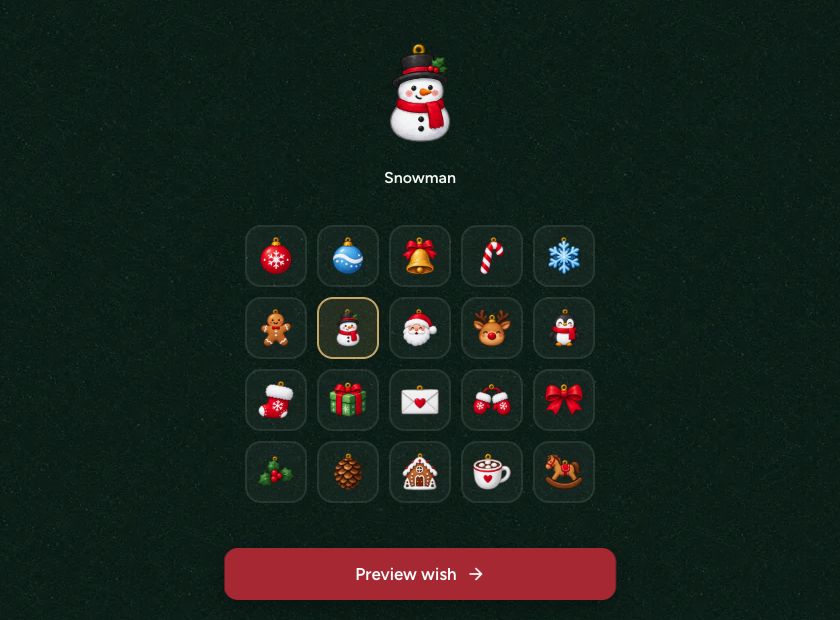
AI can help you find wording for a Christmas message, but the memories and promises should come from you. Give it a few non-sensitive facts, ask for short options, then edit the result out loud. This guide includes three prompts and a worked example—not a claim that one tool always writes better than another.
What should I put in an AI Christmas message prompt?
Start with a small brief. Do not upload a private conversation, full name, phone number or somebody else's difficult personal history.
| Give the writing tool | Example you can safely adapt |
|---|---|
| Relationship | A friend from our neighborhood |
| One real detail | We started taking Sunday walks this year |
| What you appreciate | They make room for unhurried conversation |
| Tone and length | Casual, warm, two sentences |
| Boundaries | No invented events, romance, religious wording or promises |
Prompt 1: Turn your details into three choices
Draft three Christmas wishes in natural American English, each two sentences and under 45 words. The recipient is [relationship]. A real shared detail is [non-sensitive detail]. I appreciate [quality]. Use a [tone] voice. Do not invent memories, feelings, plans or promises. If a detail is missing, ask rather than guess. Avoid stock phrases and keep the wording easy to say aloud.
Replace the brackets before using the prompt. If Christmas wording does not fit the recipient, ask for a year-end greeting instead. Use the writing tool you have chosen; MyDecoTree does not provide an AI message generator in this guide.
What does a useful edit look like?
These are editorial examples, not results of a comparison between AI products.
Generic draft: “May your season sparkle with endless joy and magical memories.”
Personal revision: “Our Sunday walks became one of the nicest parts of my year. Merry Christmas—I'm glad we made time for them.”
The revision uses the supplied detail and removes grand language. It does not claim you made plans for next year or know how the other person feels.
Prompts 2 and 3: Fix length and voice
To shorten a draft:
Cut the draft below to two short sentences. Keep only facts I supplied, one thank-you and one seasonal wish. Remove invented plans, exaggerated praise and repeated ideas. Draft: [paste a non-sensitive draft].
To adjust tone:
Rewrite this draft in three tones: simple, gently playful and quietly heartfelt. Do not add facts, inside jokes, pet names or emotional claims. Keep the relationship as [relationship]. Draft: [non-sensitive draft].
Compare the options rather than sending them all. Replace any phrase you would never say. A cheerful prompt is not the right starting point for every situation; see Christmas messages for a friend having a hard time.
What should I check before sending?
Read the final note aloud. Is every memory true? Is the relationship accurate? Does it promise anything you cannot do? Is there a detail the recipient would not want shared? If asked about AI assistance, answer honestly. You can also skip AI and use the original Christmas wish examples.
How do I put the message on Deco My Tree?
On MyDecoTree at mydecotree.com, open your friend's personal tree link and choose Leave a wish. Paste your reviewed words, choose a virtual ornament and check the signature and reading settings. Guests need no login or app download; complete verification if prompted.
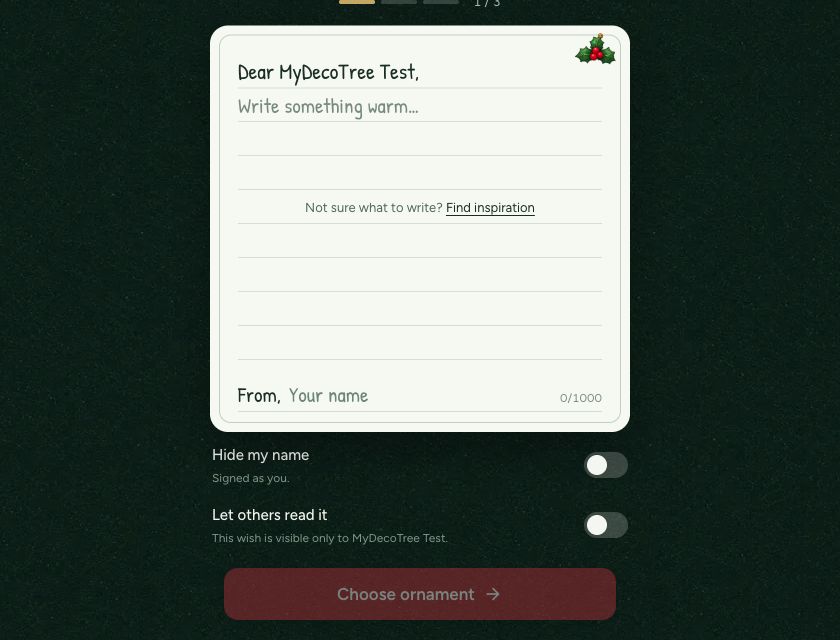
English interface and test example. Use your actual recipient's tree link. These controls do not write the message for you.
Keep Let others read it off for a private note. Hide my name separately hides the displayed signature; a recognizable memory can still identify you. Preview and wait for success after sending.
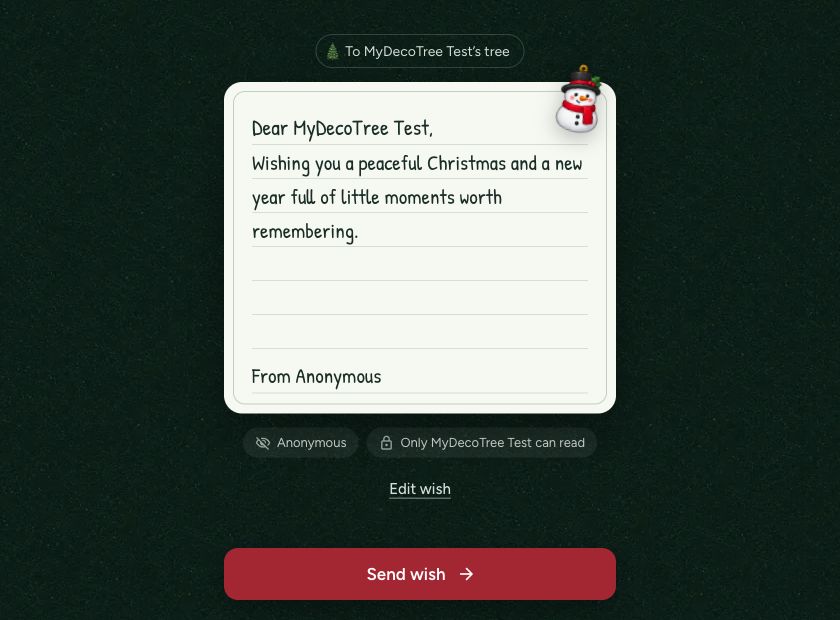
English interface and test example. The preview is not proof of delivery; review your own words and settings.
Tree owners read from December 25, with no exact hour promised here. Use your usual communication channel if the words need to arrive sooner. Creating and saving your own tree requires signing in.
Guest sending steps · Names and privacy · Opening-day guide · Create your own tree