
A Family Christmas Wish Tree: One Shared Tree or One Each?
Choose who should receive and read the family wishes, then set up one shared tree or individual trees with a link list and a ready-to-send invitation.
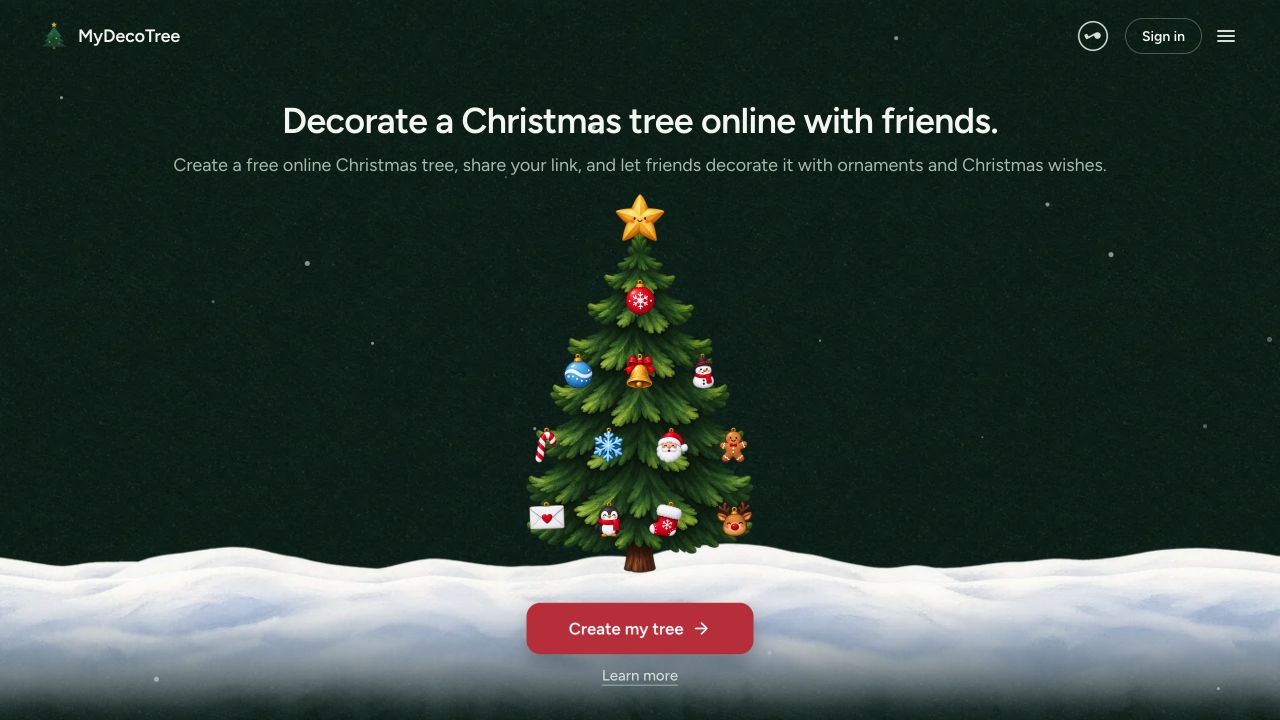
A family Christmas wish tree works best when everyone knows who will receive the messages. Choose the arrangement before sharing a link. This is a plan for adult relatives using MyDecoTree, not a family-account or automatic message-routing feature.
One tree or one for each person?
| Arrangement | Best for | Important limit |
|---|---|---|
| One host's tree | Wishes addressed to that host or household | The signed-in owner reads all wishes from December 25. |
| Each willing adult has a tree | Personal wishes for different relatives | Each person signs in and saves their own tree; check the recipient's link before sending. |
One shared link does not give every relative owner access. Visitors can read a wish after opening day only if its writer allowed public reading. Do not turn on public reading just to imitate a shared inbox.
Make a small link list
Ask who wants to join. For individual trees, each willing adult creates and saves a tree, then sends their personal link to your existing private family chat. Keep a display name beside each link, with the person's permission. One account can create one tree per year; do not make one account a shared family login.
For a host tree, name the recipient clearly: “Wishes for Aunt Jo's household.” Ask permission before adding anyone else's name. Have one willing person check that the link opens the right tree.
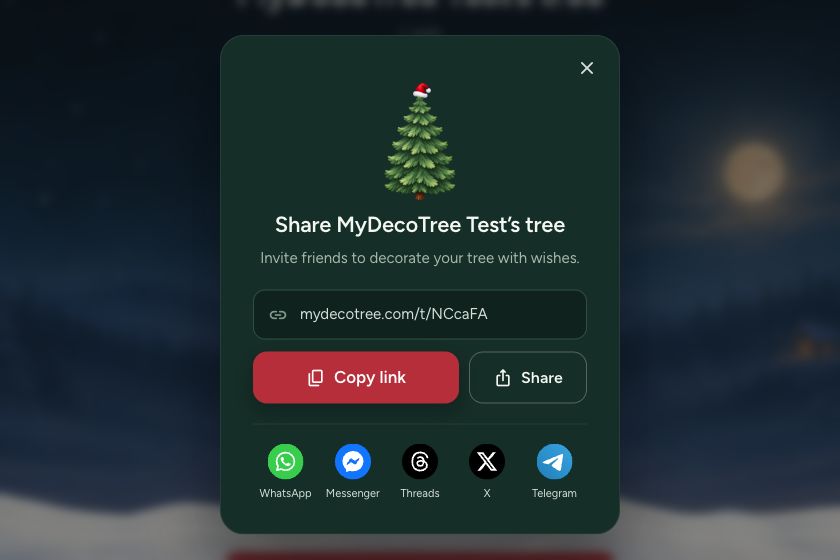
English interface and test example. Copy your own tree link, not the example.
Send this invitation in your own chat
We are leaving Christmas wishes for one another. If you would like to join, choose a person from our link list and leave one memory and one kind wish by December 23. Sending needs no account or app; a security check may appear. Tree owners open wishes from December 25. Joining and replying are optional.
December 23 is this plan's suggested deadline, not an automated reminder. Use a date that suits your family; the site does not schedule the invitation or assign recipients.
Review the reader before sending
Friends can choose a virtual ornament and send without login. Preview the signature and message, complete verification if prompted and wait for success. Hide my name hides the displayed sender name; Let others read it separately permits visitor reading after opening day. Keep it off for a private note.
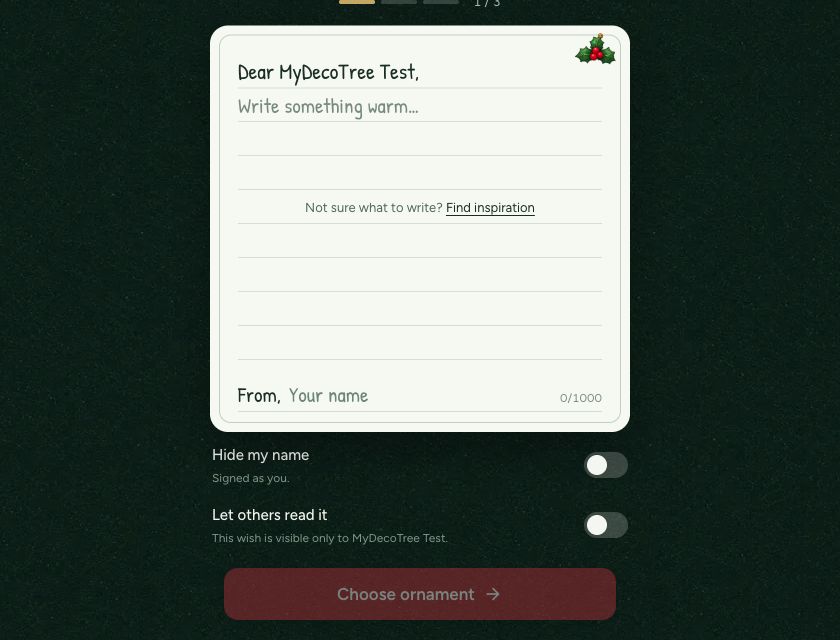
English interface and test example. Check your own settings before sending.
Return without pressure
The owner opens wishes from December 25; an exact opening hour is not promised. Let everyone read privately and decide whether to reply. Ask before forwarding a note or sharing a screenshot. The activity involves virtual ornaments, not purchases or physical gifts.
Create a tree · Guest wish steps · Opening-day details · Different-schedule traditions